Lecture recording to notes · How to
How do I turn a lecture recording into notes?
Record the lecture in the StudyLess app, or add a recording you already have. When it ends, the words are written out and sorted by topic into notes and flashcards you can study.


How to do it in StudyLess
Record it
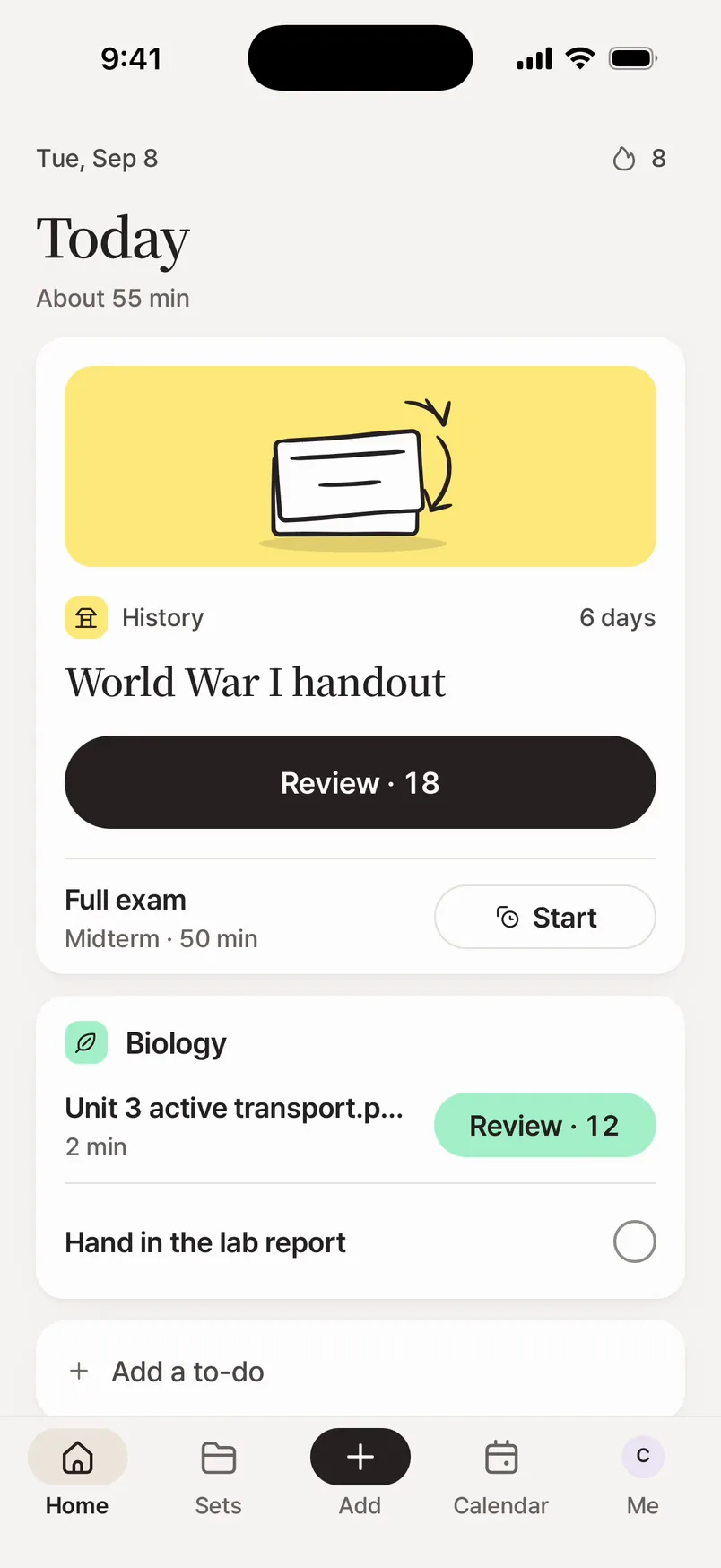
On Home, tap Recording and start. Mark the parts that are on the test, or important, as you listen.
End it
When the lecture ends, end the recording. The words are written out and sorted by topic.
Study the notes
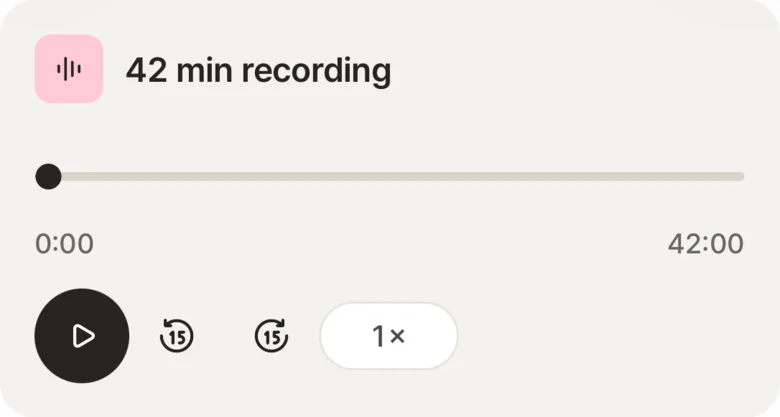
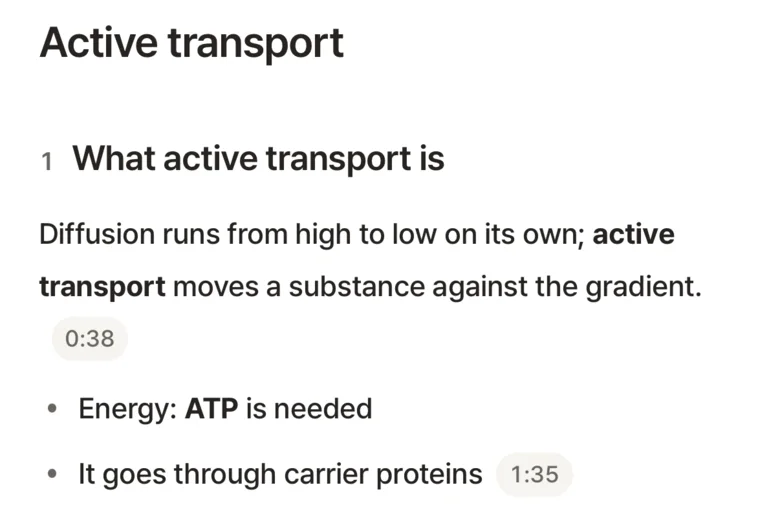
Notes and flashcards appear. Play the recording back, jump by topic or search its words.
- On Free
- A lecture's first 90 minutes become notes, and each lecture is one of the week's 2 uploads.
- A file you have
- In the app, open Recording and tap Upload a lecture file: MP3, M4A, WAV or AAC. On the web, drop the file on Home.
- Ask first
- Record only where recording is allowed, so check with your teacher or school.
Questions
Is it free?
Yes. A lecture's first 90 minutes become notes, and Free makes 2 uploads a week. Studying everything you made is free and unlimited, without ads. Pro is for making more. See what Pro adds.
Can I use a recording I already made?
Yes. In the app, open Recording and tap Upload a lecture file, then pick the audio: MP3, M4A, WAV or AAC, like a voice memo. On the web, drop the audio or video file on Home.
What if the recording gets cut off?
What was recorded is kept. Open it to keep recording, or end it and make notes from what's there.
Does it work with YouTube lectures?
Yes. Add a YouTube link and it becomes a material with notes and flashcards.
Can I make a practice test from a lecture?
Yes. A recorded lecture is a material like any other, so you can make practice tests from it. Here's how.
