PDF to flashcards · How to
How do I make flashcards from a PDF?
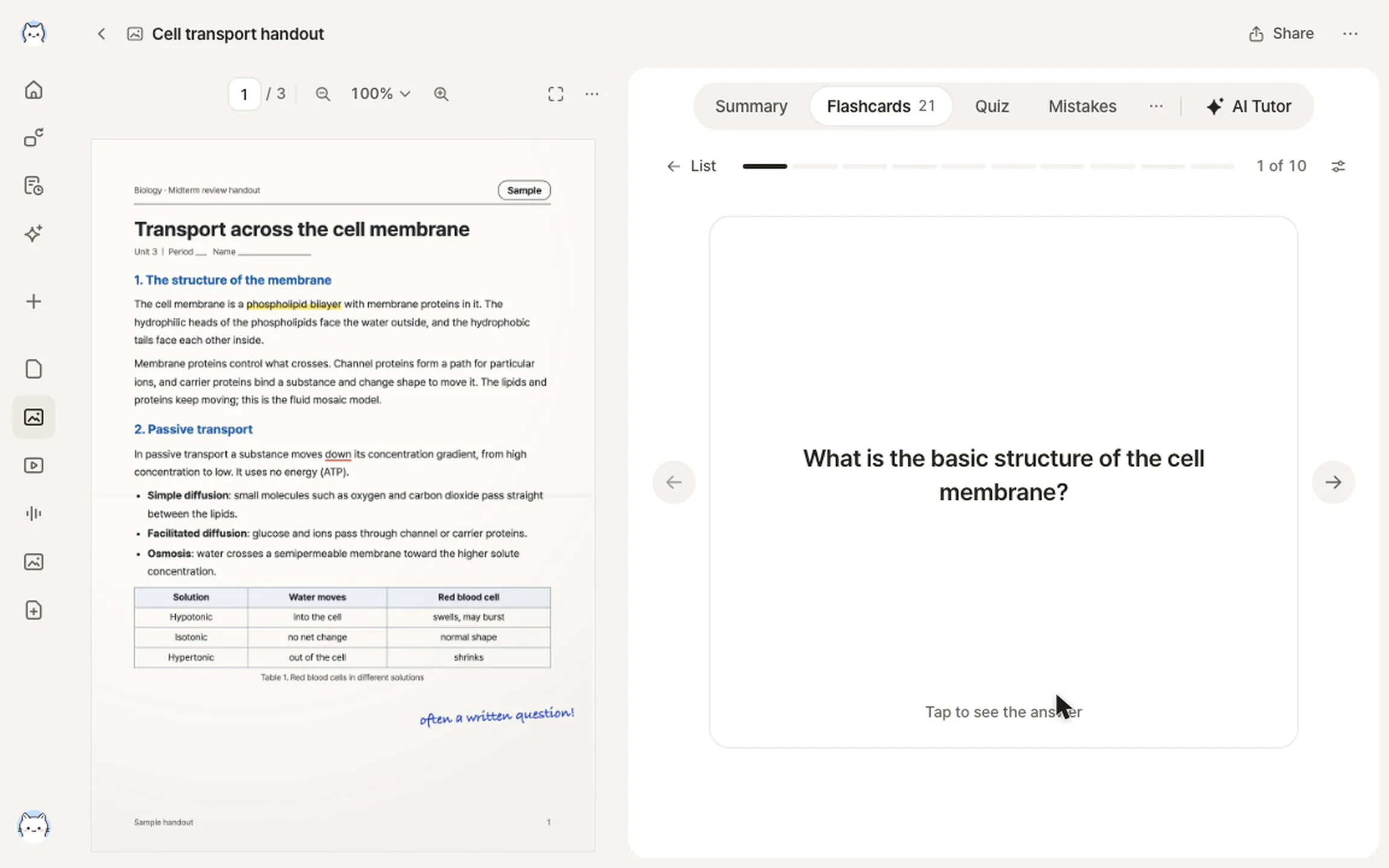
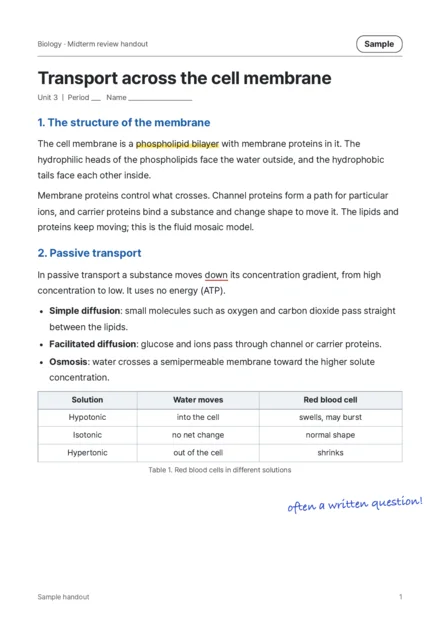
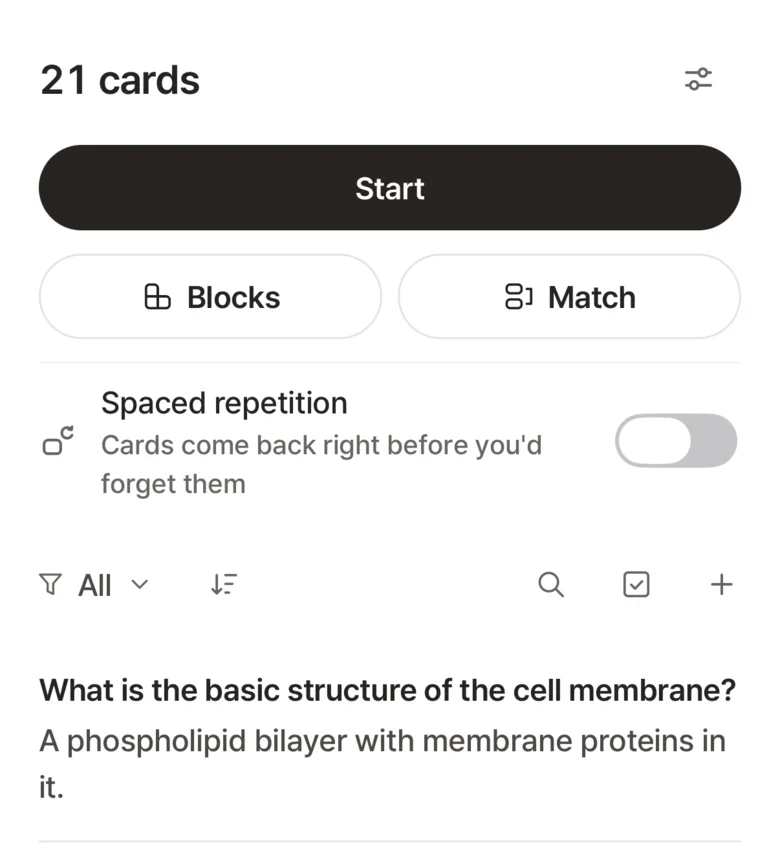
Upload the PDF in StudyLess and it writes the flashcards for you, one for each thing worth remembering. Press start to go through them; notes and a quiz come from the same PDF.


How to do it in StudyLess
Upload the PDF
On Home, tap Files and pick it. A PDF can have up to 100 pages, and one Free upload reads 50 of them.
Get the flashcards
It opens at once, and its flashcards, notes and quiz fill in unit by unit. Edit or delete any card, or add your own.
Study them
Press start: recall the answer, flip the card and say if you knew it. Stop anytime and continue where you left off.
- On Free
- 2 uploads a week, 50 pages each. For a longer PDF, add the chapters your test covers.
- Slides
- On the web, upload PowerPoint files as they are. In the app, save the slides as a PDF first.
- Scanned pages
- Typed pages read best. For a scan, take clear photos of the pages instead.
Questions
Is it free?
Yes. Free makes 2 uploads a week into flashcards and notes. Studying everything you made is free and unlimited, without ads. Pro is for making more. See what Pro adds.
Do I have to type the cards?
No. StudyLess writes them from the PDF. You can edit or delete any card, and write your own.
Will the cards come back before my test?
If you want them to, turn on a review schedule for that material: cards you miss come back sooner and cards you know wait longer. It stays off until you turn it on.
Can I make a practice test from the same PDF?
Yes. Each PDF becomes a material you can make practice tests from. Here's how.
Who can see my PDF?
Only you, unless you share it. You can delete it at any time.
